snowball
-
Joined
-
Last visited
Everything posted by snowball
-
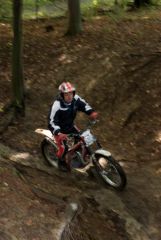
From the album: Trial club Vsetin czech republic
-
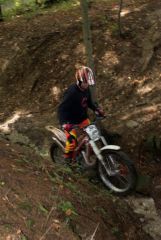
From the album: Trial club Vsetin czech republic
-
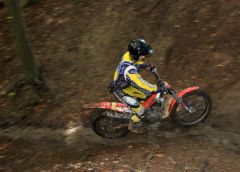
From the album: Trial club Vsetin czech republic
-
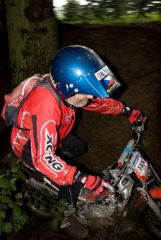
From the album: Trial club Vsetin czech republic
-
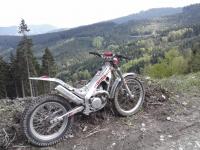
I bought a 2001 315 and love it. When bought I changed the spark plug renewed fluids and changed/greased some bearings. Ie suspension and rear wheel. Keeps on going and only need to clean air filter often, and wash her after a good muddy day in the mountains. Ps. My front exhaust pipe is a bit bashed in and its never given me any problems with performance etc.
-
-
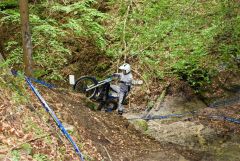 IMG_4310 (Large).JPG
-
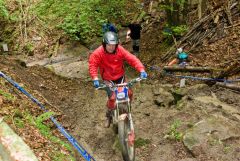 IMG_4300 (Large).JPG
-
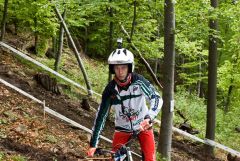 IMG_4275 (Large).JPG
-
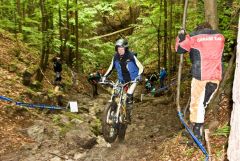 IMG_4288 (Large).JPG
-
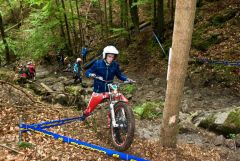 IMG_4289 (Large).JPG
-
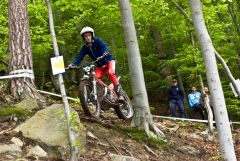 IMG_4280 (Large).JPG
-
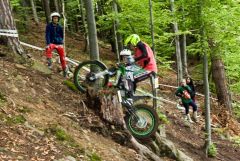 IMG_4270 (Large).JPG
-
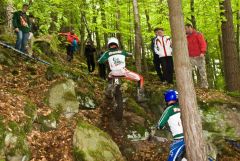 IMG_4374 (Large).JPG
-
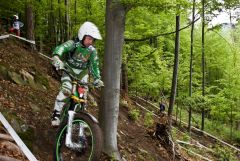 IMG_4262 (Large).JPG
-
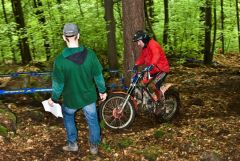 IMG_4365 (Large).JPG
-
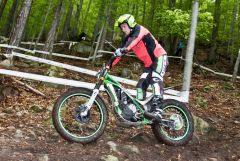 IMG_4260 (Large).JPG
-
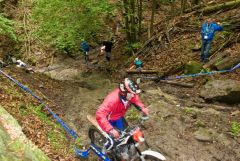 IMG_4302 (Large).JPG
-
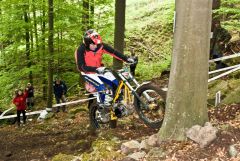 IMG_4267 (Large).JPG
-
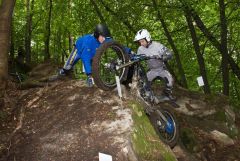 IMG_4325 (Large).JPG
-
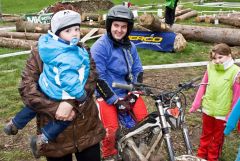 IMG_4400 (Large).JPG
-
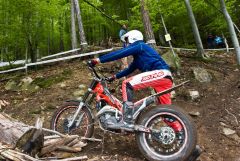 IMG_4282 (Large).JPG
-
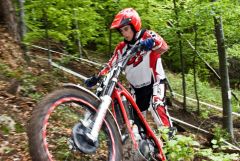 IMG_4279 (Large).JPG
-
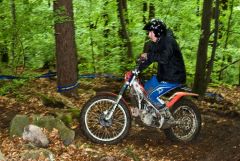 IMG_4378 (Large).JPG
-
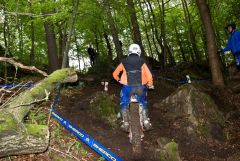 IMG 4318 (Large)
-
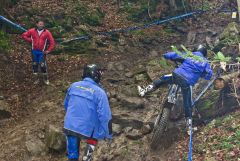 IMG 4296 (Large)
-
-
From the album: slovak trials 2014
-
From the album: slovak trials 2014
-
From the album: slovak trials 2014
-
From the album: slovak trials 2014
-
From the album: slovak trials 2014
-
From the album: slovak trials 2014
-
From the album: slovak trials 2014
-
From the album: slovak trials 2014
-
From the album: slovak trials 2014
-
From the album: slovak trials 2014
-
From the album: slovak trials 2014
-
From the album: slovak trials 2014
-
From the album: slovak trials 2014
-
From the album: slovak trials 2014
-
From the album: slovak trials 2014
-
From the album: slovak trials 2014
-
From the album: slovak trials 2014
-
From the album: slovak trials 2014
-
From the album: slovak trials 2014